

Puas yog qhov sib nqus charging connector muaj kev nyab xeeb rau them?
Kev nyab xeeb
1. Cov ntaub ntawv sib nqus nqus cov ntaub ntawv cable yog cov ntaub ntawv cable uas ua tiav cov txiaj ntsig them los ntawm cov hlau nplaum zoo thiab tsis zoo ntawm cov hlau nplaum. Qhov sib nqus nqus them nyiaj tsis yog tsuas yog yooj yim los daws qhov teeb meem ntawm kev them nqi qeeb, tab sis yooj yim rau kev nqa, thiab tseem ceeb tshaj, nws zoo nkauj thiab nyab xeeb.
2. Nws yog qhov zoo heev rau lub neej ntawm lub xov tooj ntawm tes, thiab tib lub sijhawm zoo heev txo cov kev siv cov khawb ze ntawm lub qhov (socket), uas tuaj yeem tiv thaiv kev them nyiaj ntawm lub xov tooj ntawm tes los ntawm kev puas tsuaj vim nquag ntsaws thiab tshem tawm. Kev siv cov ntaub ntawv sib nqus cable yog qhov yooj yim heev. Thaum koj muab tso rau ntawm ib sab ntawm lub cable, nws yuav cia li pib them lossis qhov kev sib txuas yuav ua tiav.

Qhov zoo ntawm qhov sib nqus them cable:
1. Nws yog qhov zoo heev rau lub neej ntawm lub xov tooj ntawm tes, thiab tib lub sijhawm zoo heev txo cov kev siv cov khawb ze ntawm lub qhov (socket), uas tuaj yeem tiv thaiv kev them nyiaj ntawm lub xov tooj ntawm tes los ntawm kev puas tsuaj vim kev sib txuas ntau zaus thiab unplugging, thiab tus naj npawb ntawm magnetic suction
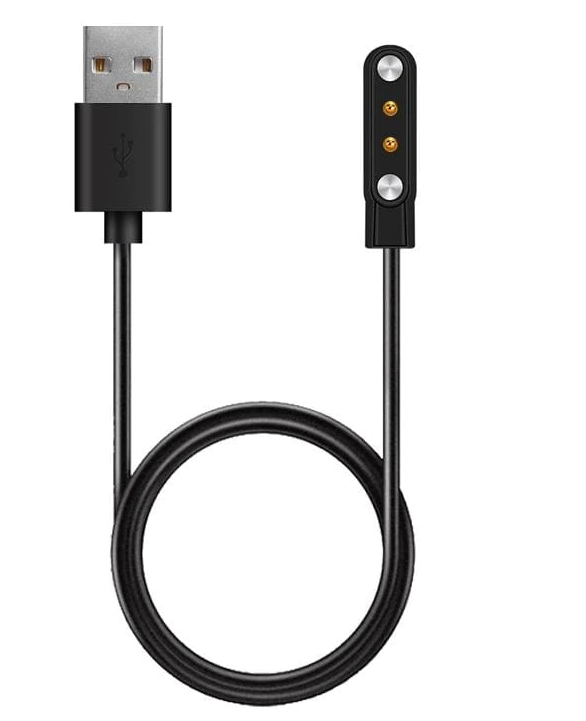
Kev siv cov ntaub ntawv cable yog yooj yim heev. Thaum koj muab tso rau ntawm ib sab ntawm lub cable, nws yuav cia li nqus thiab pib them lossis kev sib txuas tiav. Nws yog yooj yim thiab ceev. Nws tuaj yeem ua haujlwm nrog ib tus kais dej, thiab nws tseem tuaj yeem siv los ua lub charger thaum nws tsis them. Lub luag haujlwm ntawm qhov chaw nres nkoj fais fab plua plav ntsaws.
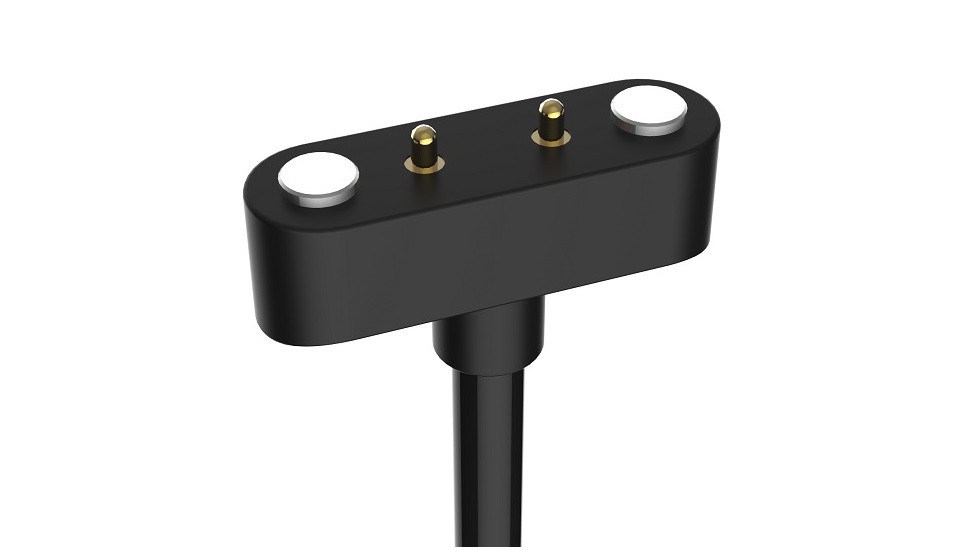
2. Kev them nyiaj ceev ceev ceev, thiab cov khoom sib nqus them nyiaj yog tsim los tiv thaiv kev sib kis tam sim no 5A-30A, uas tuaj yeem ua tau raws li qhov xav tau ntawm kev them nyiaj ceev thiab cov khoom uas yuav tsum tau them tam sim no ntau dhau;

3. Slim loj thiab miniaturization yog dav siv. Sib txawv ntawm cov ntaub ntawv ib txwm siv cable interface uas muaj nyob rau hauv lub neej, qhov tshiab sib nqus them cable interface tau txo qhov loj thiab tuaj yeem txuas ncaj qha yam tsis tau tshem lub tes tsho.
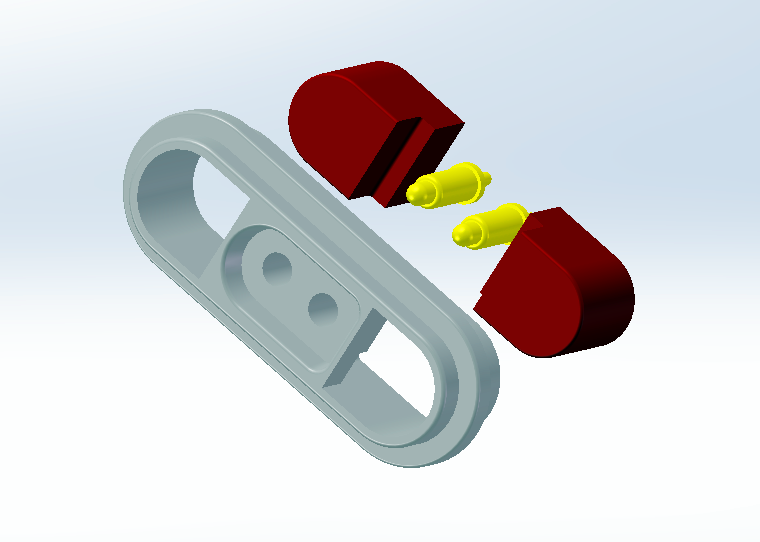
4. Ua kom tau raws li cov khoom xav tau ntawm cov neeg siv khoom sib txawv, cov khoom sib nqus them nyiaj tuaj yeem hloov kho nrog lub voj voog, cov qauv square, elongated qauv, cov qauv tshwj xeeb, thiab lwm yam raws li cov neeg siv khoom xav tau.

Qhov tsis zoo ntawm cov hlau nplaum them cable: Txawm hais tias muaj ntau qhov zoo ntawm cov hlau nplaum them cable, muaj qhov tsis zoo, xws li cov teeb meem sib nqus sib nqus, lub interface tsis zoo sib xws, thiab seam ntawm lub interface tsis zoo.
Qhov sib txawv yuav ua rau cov ntaub ntawv cable interface sway rov qab thiab tawm mus. Thaum kuv txhais tes nqa lub xov tooj me ntsis ntxiv, lub ntsiab lus them nyiaj cuam tshuam tshwm sim thaum lub interface tsis raug txiav. Txawm li cas los xij, nrog kev txhim kho txuas ntxiv ntawm thev naus laus zis
Kev vam meej tshiab, yav tom ntej, yuav daws tau tag nrho.